
Searching Cases by Name
The Austin County Odyssey portal separates civil, family and probate records from criminal records and the Court Calendar. Select Party/Defendant in the right area. Soundex is enabled for name searches, so the results may include names that sound alike. That broader match helps with spelling variants, but it also makes the court, filed date, category, and cause number vital checks.
Start with the exact name from a notice or pleading. The portal help requires at least three characters in a last name and one in a first name. An asterisk can complete an unfinished term. A name match alone does not establish that the result is the intended case.
- Identify whether the matter belongs to district, county, JP, or municipal court.
- Open Odyssey and choose the matching case-record area.
- Select Party/Defendant, then enter the last and first names.
- Compare court, case type, filed date, and cause number.
- Open the case-number link and verify the public case details.
| Field Label | Type | Required | Notes |
|---|---|---|---|
| Party/Defendant | Choice | Yes | Use for a person or party name. |
| Last name | Text | Yes | At least three characters; Soundex is automatic. |
| First name | Text | No | At least one character when used. |
| Date Filed | Date search | No | Useful to narrow common-name results. |
Austin County Odyssey Search
The official Odyssey help page documents five search choices for case records: Case, Party/Defendant, Citation, Attorney, and Date Filed. Bold red fields are required. The result table links the case number to a case-information screen. Header controls provide Search Menu, New Search, Back, and Help.
The landing page may redirect to a login screen. That does not make a commercial database the next step. Use the county clerk or district clerk link, consult the help page for field rules, and try re:SearchTX. If access still fails, call or visit the clerk that holds the case.
The manifest image below comes from the local Odyssey public-access portal.
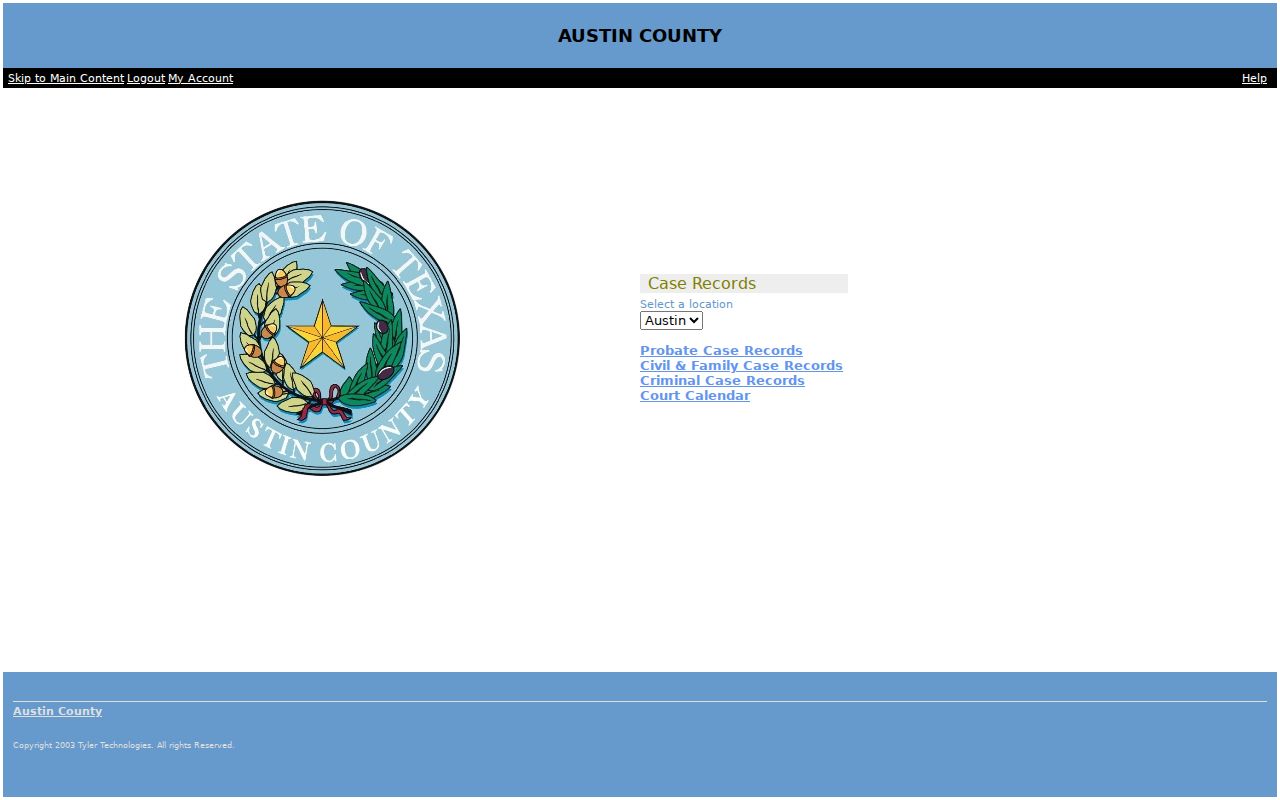
Its local entry point is best for known Austin County matters, while the help screen remains the clearest source for the supported fields.
Searching by Case Number
A cause number is the strongest identifier because it avoids Soundex and common-name matches. Choose Case in Odyssey, enter the number printed on the notice, and open the linked result. The help page permits an asterisk for an incomplete number after at least four characters, excluding dashes. For example, 2025* is a search fragment, not a claim about Austin County's full numbering format.
Keep punctuation for the first attempt. If there is no result, retry without dashes and then use the allowed wildcard. Confirm that the returned court and case type match the caption. A citation number is different from a district or county cause number and should be entered through the Citation choice or the issuing lower court.
Austin County Search Fields
Search fields change with the question. Case-record searches accept Citation and Date Filed, while the Court Calendar accepts Attorney, Case, Judicial Officer, and Party or Defendant Name. A calendar result answers when a matter is listed. It does not replace the event history or the clerk's file.
- Soundex
- A tool that broadens a name search to similar-sounding spellings.
- Wildcard
- An asterisk used to complete part of a name or case number within the portal's minimum-length rules.
- Cause number
- The court identifier used to distinguish one case from another.
- Case shell
- The public summary of a case, which may omit documents.
What a Case Search Returns
An Austin County case search can return the cause number, court, category, filing date, status, events, hearings, and visible document links. The exact depth depends on the court and access level. A result can list a hearing without providing the filed motion. Likewise, a filing event can appear while the document remains unavailable online.
| Case Number | The link to the available case-information screen. |
|---|---|
| Style / Parties | The public caption or party labels, subject to restrictions. |
| Case Type | Criminal, civil, family, probate, or another supported category. |
| Filed Date | The date the court received the case. |
| Status | The visible state of the case, not a substitute for a signed order. |
Austin County Clerk Routing
Clerk choice controls the next step. The Austin County District Clerk keeps felony cases after indictment, family cases, district civil matters over the stated county threshold, delinquent tax cases, and protective-order or related family filings. The current office is Suite 1 at the Justice Center.
The Austin County County Clerk keeps misdemeanor, probate, and County Court or County Court at Law records, except that family matters in County Court at Law go to the District Clerk. Justice and municipal clerks keep their own routine dockets. Small claims, eviction, local Class C, and city ordinance searches should begin with the issuing JP or city court.
Routing key: read the court name on the citation, pleading, or notice before searching. The same person may have records in more than one independent court system.
Statewide vs County Case Search
Local Odyssey and re:SearchTX overlap, but they serve different search paths. Odyssey offers Austin County case and calendar fields. re:SearchTX searches participating Texas case, filing, and hearing data by name, case number, location, category, or type. Registration may be required, and some document links show a price, including possible zero-cost access.
Search both when a known Austin County matter is absent from one. Neither source proves that every JP or municipal citation is included. The official 155th District Court docket list is another source for settings, while the clerk counter or written request remains the fallback for older and difficult records.
| Statewide Portal | Austin County Portal |
|---|---|
| Participating Texas courts | Austin County supported case areas |
| Cases, filings, hearings, and some documents | Case information and Court Calendar links |
| Useful for statewide discovery | Useful for a known local case or setting |
Austin County Citation Search
The Texas Citation and Notice Search accepts Name, Cause Number, Court/County, and Status. Results show those fields plus an Action control. Its tips favor a cause number or a few words from the court name and permit a trailing wildcard.
This is a supplemental index. Austin County's JP and municipal pages do not promise that every citation reaches it. If a ticket is missing, use the issuing court, citation number, appearance date, phone, mail, or counter. Bellville, Sealy, San Felipe, and Wallis municipal matters remain city records; Industry users should identify the issuer and confirm routing with JP2 or the town.
Access and Restricted Cases
Austin County portals expose only the public part of a case. Civil documents sealed under Texas Rule of Civil Procedure 76a, juvenile records under Family Code Chapter 58, expunction material under Code of Criminal Procedure Chapter 55A, and protected-person contact details can be withheld. Family, CPS, adoption, and other sensitive filings may also be limited.
No result has several possible causes: the wrong clerk, a spelling mismatch, a date limit, incomplete integration, or a restricted record. A visible shell with no document is also possible. Contact the case-owning clerk and ask what access rule or order applies. Do not try another portal to bypass a restriction.
When Austin County Documents Vanish
A case event and the filed document are separate layers. If the result shows an event but no image, record the cause number, document title, filing date, and court. Then ask the District Clerk, County Clerk, JP clerk, or municipal clerk for an ordinary or certified copy. The County Clerk warns that the office has no duty to perform an open-ended public-record search, so a narrow request works best.
For a district written name search, the posted instructions describe a $5 per-person search, a defined time span, payment, and a stamped return envelope. Those instructions carry older contact details. Confirm the current Suite 1 address and phone on the District Clerk page before sending a request.
The manifest view below comes from the official re:SearchTX home screen.
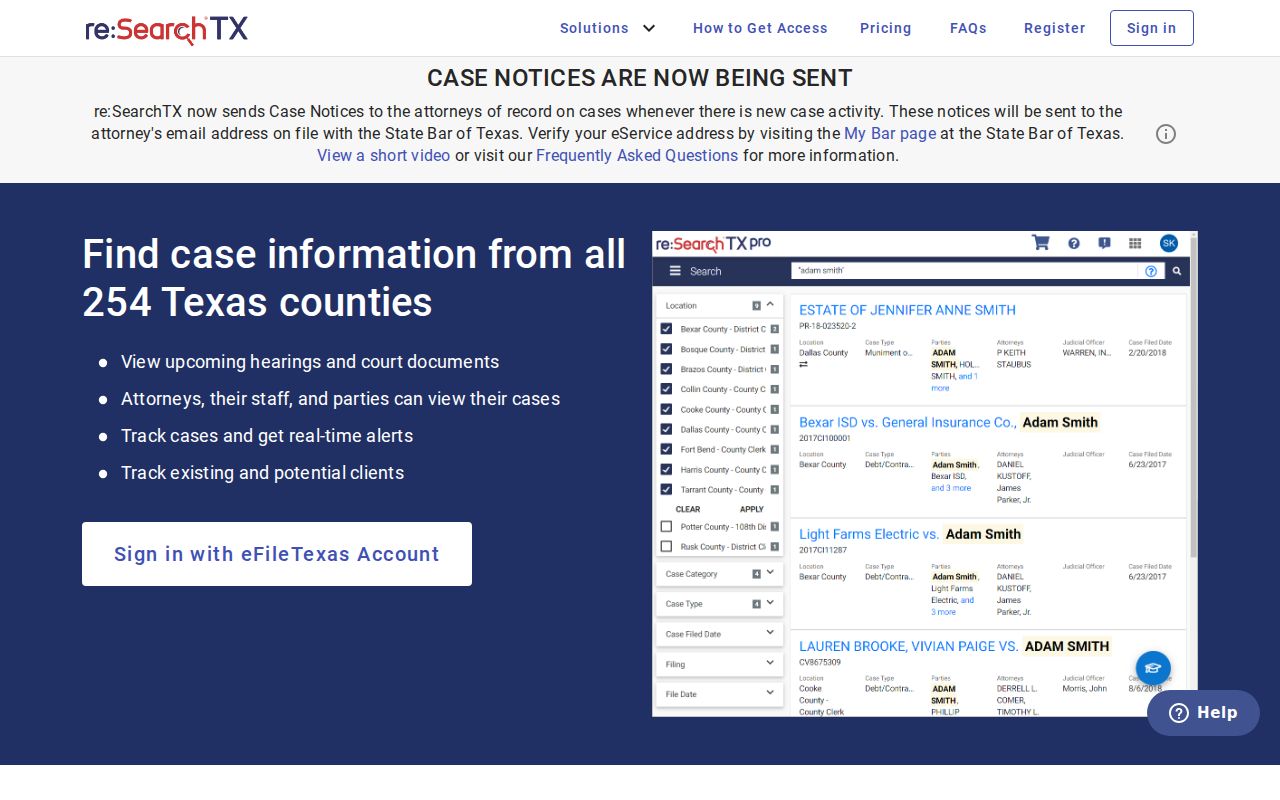
It supplies the statewide layer, but the originating Austin County clerk remains the authority for the complete file and certification.